

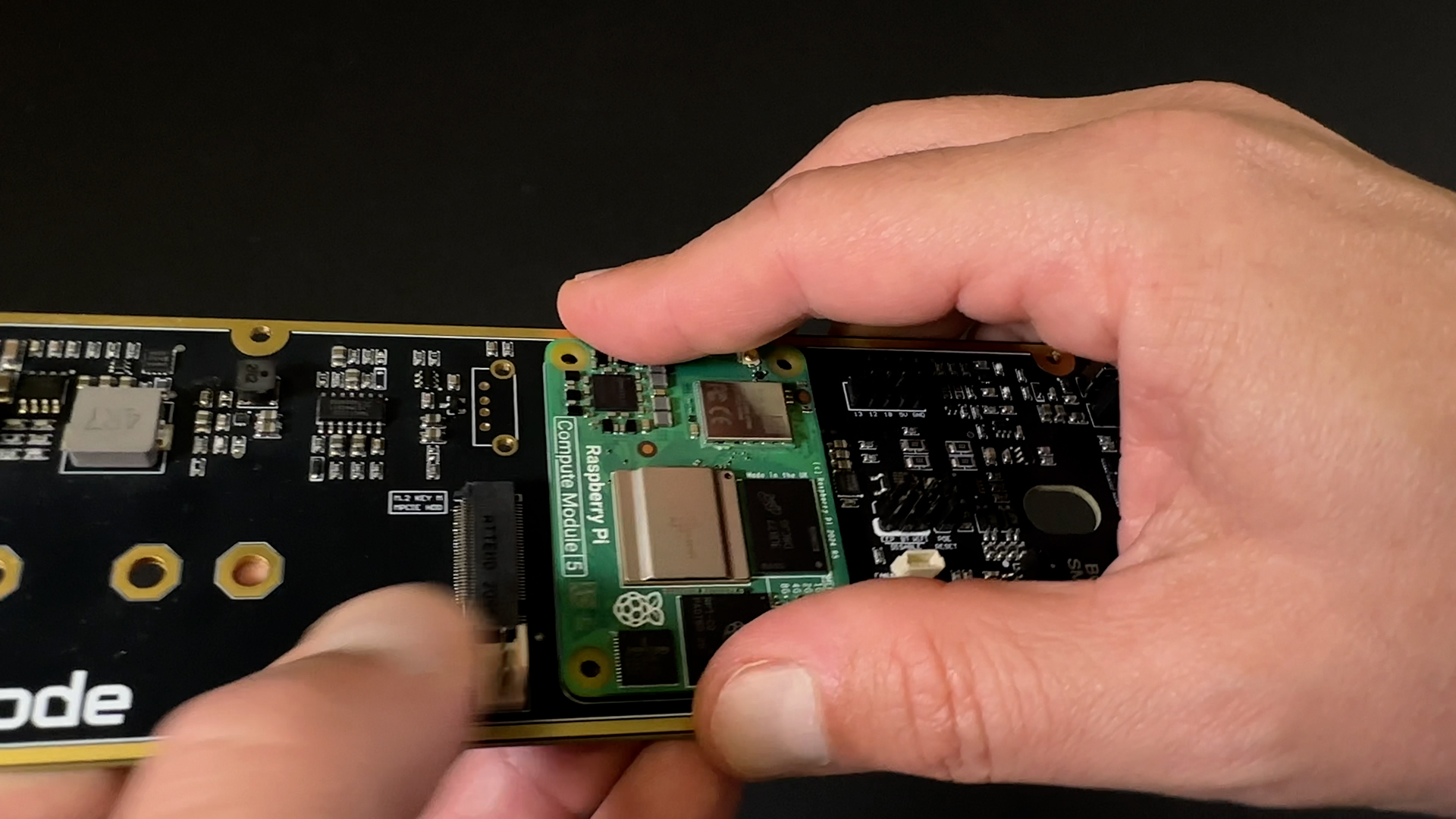
Raspberry Pi Compute Module 5 explained. What it is and why we use it
The Raspberry Pi Compute Module 5 (CM5) is one of the most powerful and versatile platforms Raspberry Pi has ever released.
Unlike a traditional Raspberry Pi board, however, it often creates some confusion when people encounter it for the first time. There are no USB ports, no HDMI connectors, no Ethernet jack and no microSD card slot. At first glance, it barely resembles a Raspberry Pi at all.
That is because the Compute Module 5 is not designed to be a standalone computer.
It is designed to become part of one.
What is the Raspberry Pi Compute Module 5?
The Compute Module 5 is a System on Module (SoM), a compact board that contains the core computing hardware required to run a complete Linux system.
Instead of exposing all connectivity directly on the module itself, Raspberry Pi places only the essential components on the CM5:
- Processor
- Memory
- Storage
- Wireless connectivity
- Power management circuitry
Everything else is provided by a separate carrier board.
This approach allows developers and manufacturers to integrate Raspberry Pi technology into custom products without being constrained by the layout of a traditional Raspberry Pi board.
As a result, Compute Modules are widely used in industrial automation, embedded systems, digital signage, robotics, IoT devices, edge computing deployments and commercial products where reliability, customization and long-term maintainability are important.
How does the CM5 work?
Unlike a Raspberry Pi 5, which already includes all external connectors on the board, the Compute Module 5 relies on a carrier board.
The carrier board provides interfaces such as:
- USB
- Ethernet
- HDMI
- PCIe
- GPIO
- M.2 storage
- Power distribution
- Custom expansion hardware
Raspberry Pi provides an official IO Board for development and evaluation, but many companies design their own carrier boards tailored to specific products and use cases. Such is the case of our ioX board or it’s previous iteration, the Pi Hack.

This separation between compute module and carrier board is what makes the platform so flexible.
The same CM5 can be used in an industrial controller, a medical device, a kiosk system, an edge gateway or a clustered compute platform like our Hive, simply by changing the carrier board around it.
A closer look at the hardware
At the center of the CM5 sits the Broadcom BCM2712 processor, the same quad-core 64-bit Arm Cortex-A76 found in the Raspberry Pi 5, running at up to 2.4 GHz.
Directly above the processor is the LPDDR4X memory package, available in multiple configurations ranging from 1 GB to 16 GB depending on the model.
Wireless-enabled variants include an onboard Wi-Fi and Bluetooth chipset together with support for external antennas, making the module suitable for applications where enclosure design or signal requirements demand more flexibility than a standard Raspberry Pi board can provide.
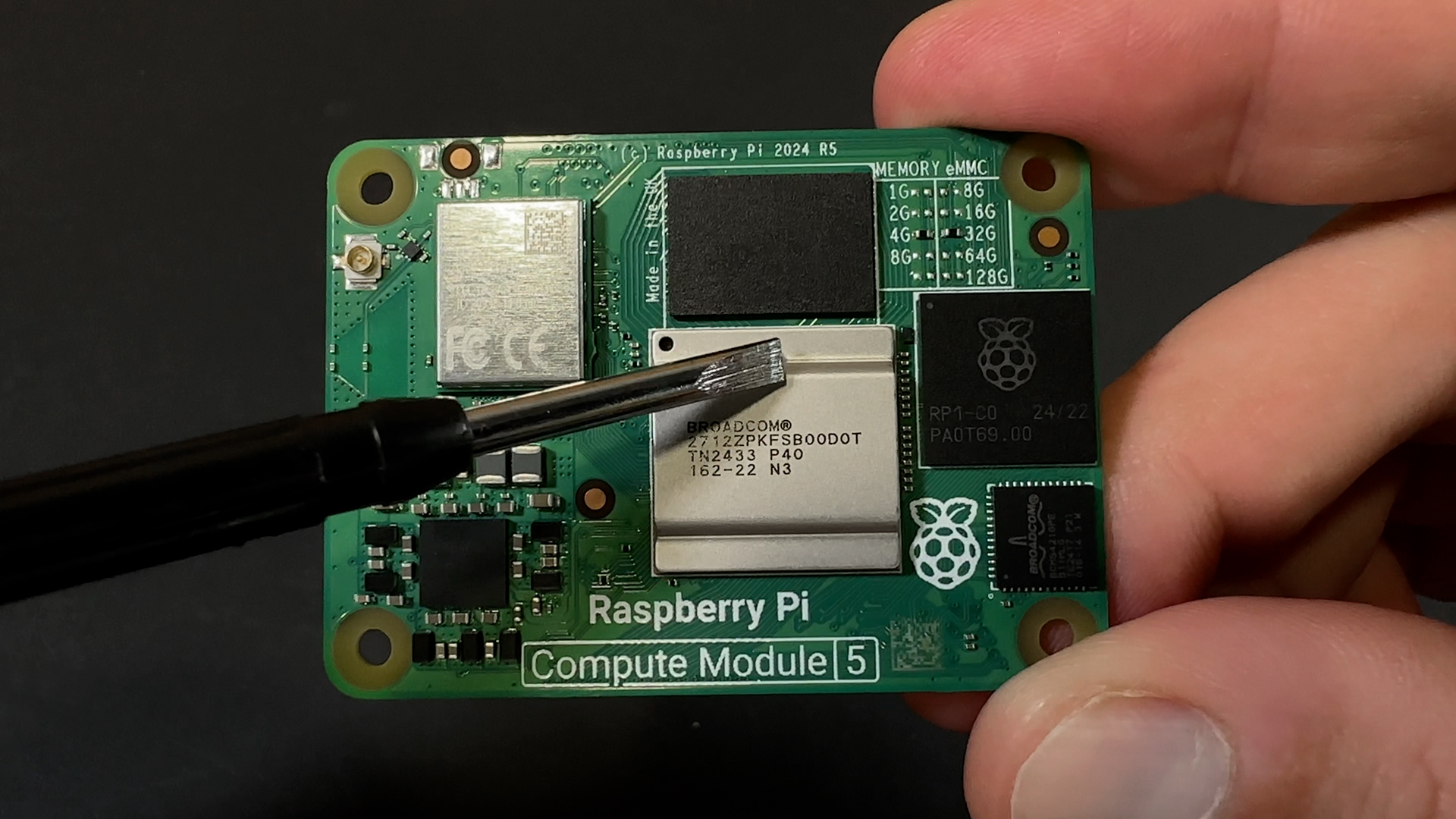
The module also integrates Raspberry Pi’s RP1 I/O controller, responsible for handling many of the peripheral interfaces exposed through the carrier board.
For networking applications, Gigabit Ethernet support is available through the carrier board design, allowing developers to integrate wired connectivity without adding external USB adapters or additional controllers.
On the underside of the module, two high-density board-to-board connectors expose the processor’s interfaces and provide the physical connection to the carrier board.
Many CM5 variants also include onboard eMMC storage, which replaces removable microSD cards and provides a more robust storage solution for long-term deployments.
How is the operating system installed?
One of the most common questions from developers new to Compute Modules is how the operating system is loaded.
Since most CM5 variants use onboard eMMC storage instead of removable microSD cards, the process is slightly different from a standard Raspberry Pi.
Raspberry Pi provides a utility called Raspberry Pi Imager, which can write operating system images directly to the module’s eMMC storage through a carrier board connected to a host computer.
When placed into bootloader mode, the CM5 appears as a USB mass storage device, allowing operating systems such as Raspberry Pi OS, Ubuntu or custom images to be programmed directly onto the onboard storage.
The complete procedure is documented by Raspberry Pi in its official Compute Module documentation and hardware guides, which we highly recommend for anyone starting a CM5-based project.
Source: Raspberry Pi Documentation – Compute Module 5 Getting Started and eMMC Programming Guides.
Why developers choose Compute Modules
The Compute Module platform offers several advantages compared to traditional single-board computers.
First, it allows complete freedom over hardware design. Developers can expose only the interfaces they need instead of accommodating connectors that may never be used.
Second, integrated eMMC storage generally provides better reliability than removable microSD cards, particularly in industrial or continuously operating systems.
Third, the compact form factor makes it possible to build significantly smaller products while maintaining compatibility with the Raspberry Pi software ecosystem.
And finally, the platform provides a migration path from prototyping to production. A project can begin on a standard Raspberry Pi and later move to a custom CM5-based design without changing the underlying software architecture.
For companies developing commercial products, this flexibility is often one of the most compelling reasons to adopt Compute Modules.
Why we use the Raspberry Pi CM5
At blackdevice, we work with Compute Modules regularly across a wide range of projects, including IoT deployments, retail technology, or custom carrier boards like the ioX.
In fact, we use them often enough that we developed our own multi-programming system capable of flashing multiple modules simultaneously during manufacturing and deployment.
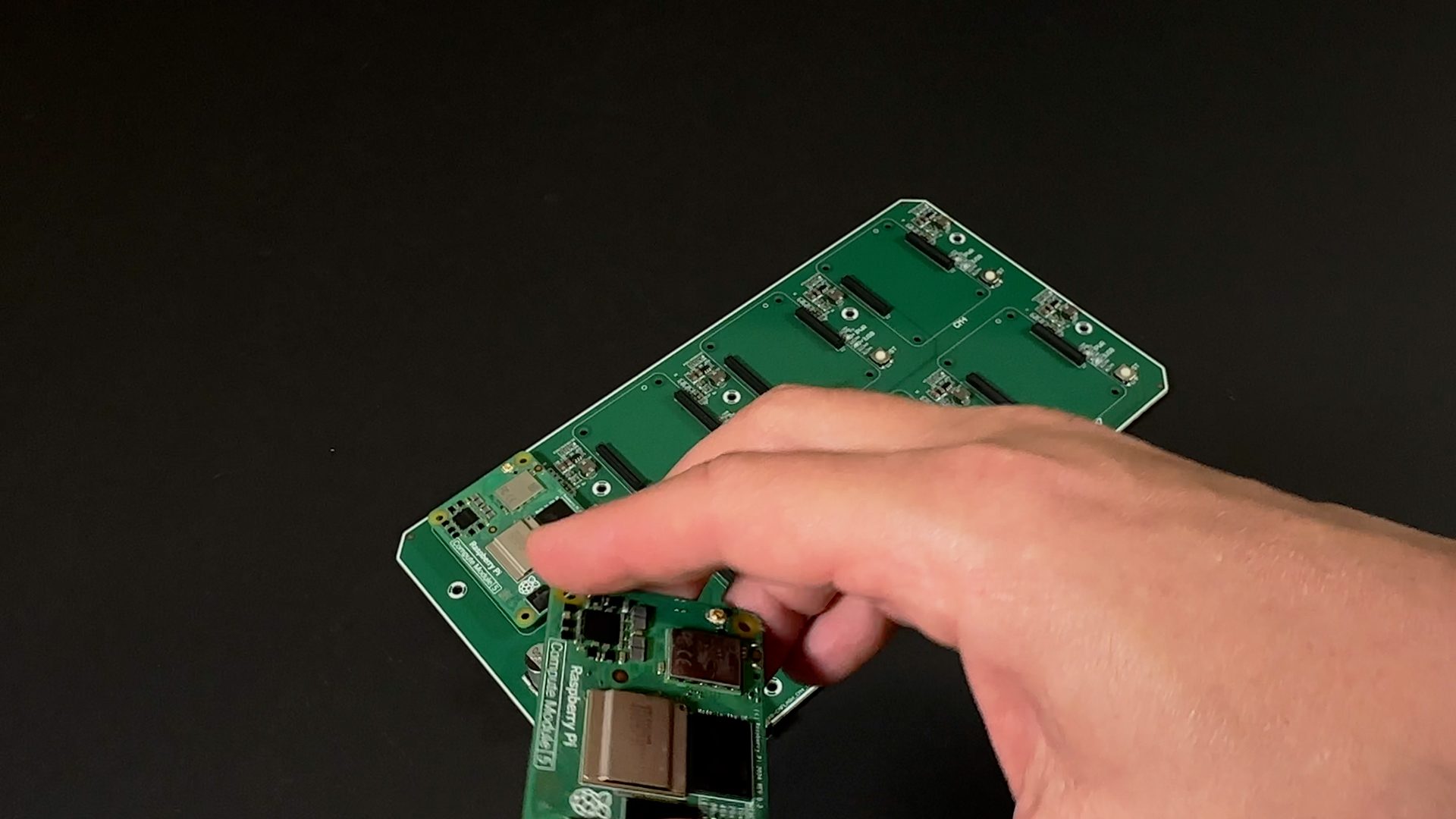
Over the years, we’ve found the CM platform to be one of the most practical ways to build reliable products around the Raspberry Pi ecosystem.
It combines strong performance, excellent software support and the flexibility required for custom hardware development.
But for us, the CM5 is more than just a development platform. It is the foundation of Hive.
From Compute Module to beenode
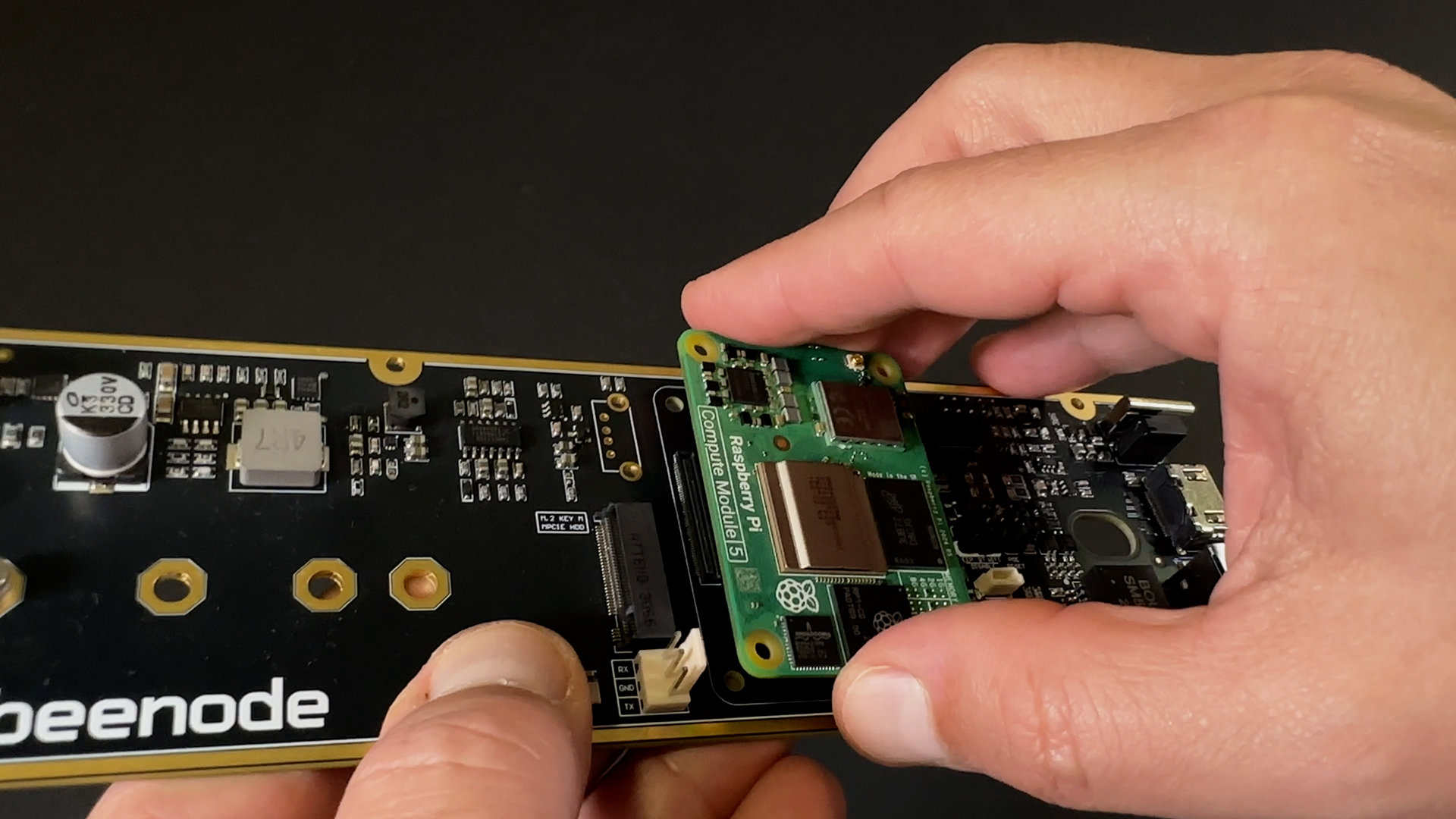
Every Hive beenode is built around a Raspberry Pi Compute Module 5.
Rather than using off-the-shelf Raspberry Pi boards, we designed our own carrier board specifically to take advantage of the CM5’s capabilities and integrate them into a modular infrastructure platform.
Each beenode combines the Compute Module with networking, storage, power management and the interfaces required to operate within the Hive ecosystem.
Individually, a beenode is a complete ARM computer.
Together, multiple beenodes form a modular distributed infrastructure platform capable of supporting homelabs, self-hosted services, edge deployments and clustered workloads.
The flexibility that makes the Compute Module attractive for embedded products is the same flexibility that allowed us to design Hive.
And it all starts with the Raspberry Pi Compute Module 5.
Learn more about Hive
Hive is our modular ARM infrastructure platform built around Raspberry Pi CM5 and hot-swappable beenodes.
We’re currently documenting the engineering process, prototypes and development journey as we prepare for our Kickstarter launch.
If you’d like to follow the project, join the early-bird list at:
Watch the video version on our YouTube channel
We made a video explaining everything you need to know about the Raspberry Pi CM5 and why we use it for Hive.
Watch it below and subscribe to our channel for more content like this!
Hive is launching on Kickstarter. Are you in?
Get on the early bird list and get exclusive access before anyone else
You’ll receive a confirmation email. Please check your spam folder if you don’t see it.
What you’ll get: project updates as we build – launch alert the moment it’s live – your exclusive early bird link. No spam. Leave anytime.